ReelMarkr

The video-first desktop workspace for solo creatives.

Video clips, storyboards, sticky notes, moodboards, voice memos, PDFs, drawings, color swatches, good ideas, bad ideas, client notes, loose ends, and everything else a project turns out to be made of.

Windows and macOS
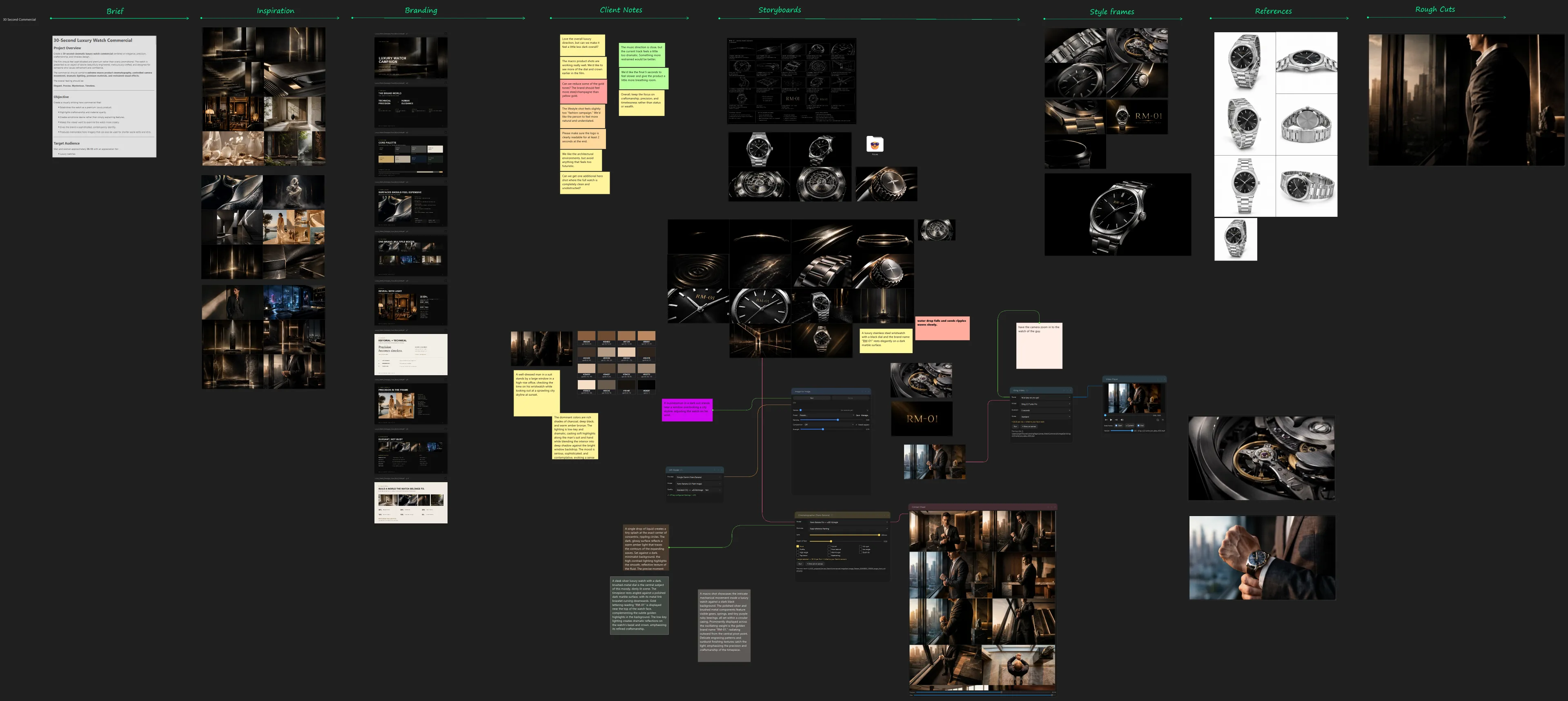
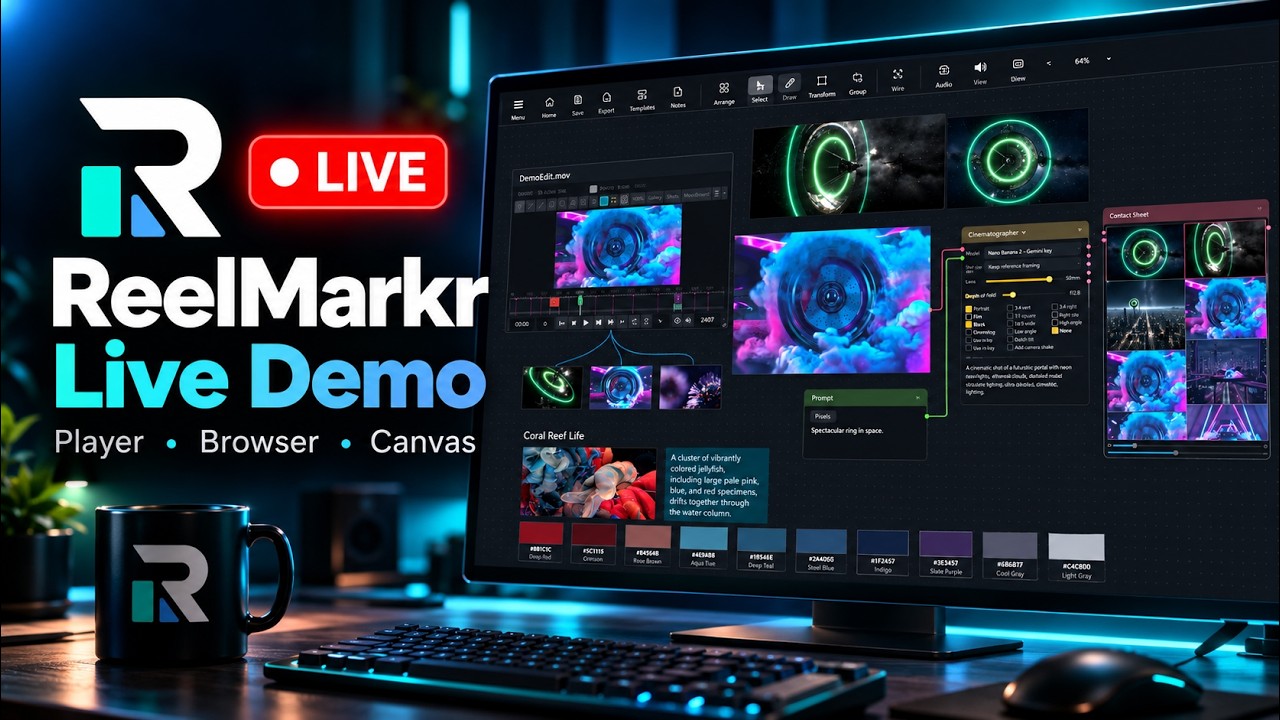
A thirty second watch commercial laid out on the Immersion Canvas: the brief, inspiration, branding, client notes, storyboards, style frames, references and rough cuts, side by side. Full Board drag to look around · scroll to zoom
The way projects usually start

Footage here. Notes there. References somewhere else.

Each part is in one of these windows, and none of them can see each other.

Some player
00:14 / 00:38
boards_final.pdf
3 of 12140%
notes_v3.docx
/renders
NameSize
sc040_v009.mov412 MB
sc040_v010.mov418 MB
sc040_v011_FINAL.mov431 MB
sc040_v011_FINAL_v2.mov433 MB
Chat
Transfer · 3 days left
SC040_package.zip 4.2 GB · expires Friday
shotlist.xlsx
Desktop

All of it open. None of it connected.

Immersion Canvas

Put the whole project on one visual canvas.

Drop it in and work how you like.

You don’t have to change a thing.

See it in motion

Watch a board come together.

ReelMarkr walkthrough

Nothing from YouTube loads until you press play. Open it on YouTube instead.

Player

A lightweight player you can count on.

Detect shots, mark takes, make comments and draw notes, all on the timeline.

Never write down a timecode again

Save an in and an out as a take. Loop it, or send that range out as an MP4 or a GIF.

Every cut, found in one pass

Run shot detection once and every cut lands in its own lane. Step through them, or turn any into a take.

The review comes back to the picture

Drop a review’s exported Frame.io notes beside the clip. They land on the frames they were written on, drawings and all.

Also in the Player

Get ReelMarkr

Media Browser

Open your video libraries.

Quickly view, favorite and do everything the player does, in a compact layout.

Media Browser

Play it without leaving the list

No opening them one at a time to find out what is in them.

Nothing to import

Point it at a folder you already have. No library to build, no catalog to wait for.

One install

One workspace. Three ways to work.

Close it. Come back tomorrow.

A project you can walk back into.

Everything you marked, rated and arranged is still there tomorrow, and none of it leaves your drive.

When the reference does not exist

Try the idea before you build it.

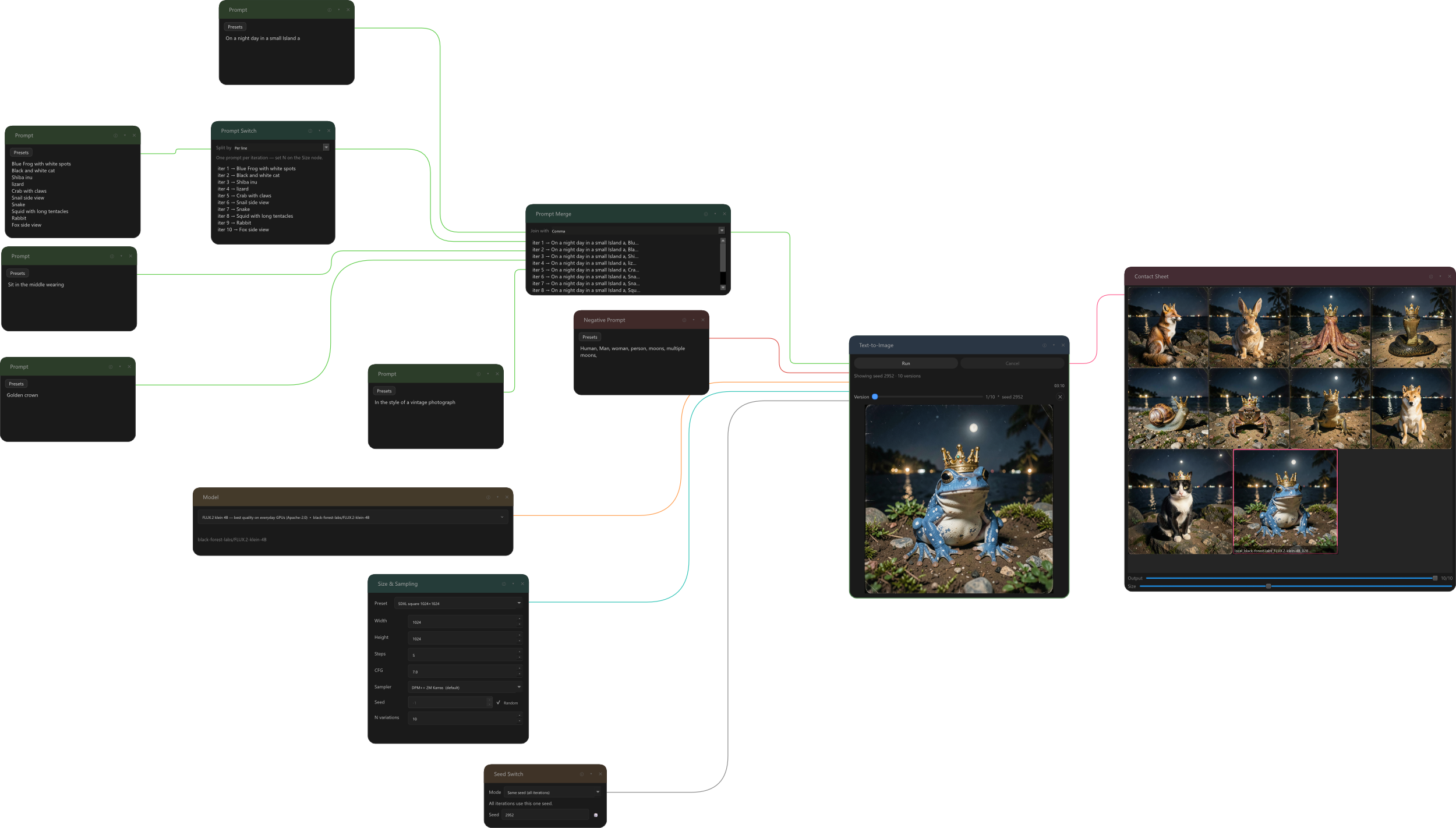
Generate on the board, beside the storyboards and references it belongs with: paint something out of a plate, or push a still further for a pitch.

Open image models can run on your own graphics card, so you generate straight onto your own drive.

On your computer Generating beside the shot on the canvas

Need more processing power?

Connect supported services with your own account. They bill you directly, and you see the cost before each run.

Video

KlingVeoSeedanceHailuo LTXPixVerseWanLuma Ray

Image

FLUXNano BananaGPT ImageImagen IdeogramRecraftSeedreamQwen

All optional. The core ReelMarkr workflow works without them.

The kit

More than footage goes on the board.

Built for solo creatives

You are the whole pipeline.

You shoot it or you get sent it. You cut it, board it, grade it, find the references, write the notes, review the versions and answer the client.

You do not need another place to lose things. You need one place that can see all of it.

Early access · version 0.9.595

Your next project, all in one place.

ReelMarkr early access is available for Windows and macOS.

ReelMarkr
ReelMarkr Standard
$199 $100 50% off 2 · Perpetual licenses
Includes 1 year of updates
  • Player
  • Canvas
  • Media Browser
Try it out for 7 days
Have a discount code?

Windows & macOS · Early access price

All purchases are for your own use, personal or commercial. Reselling or redistributing any product, or modified versions of it, is strictly prohibited.